
3.9 KiB
Walkies
Your program will animate a single character back and forth across the terminal in such a way that it appears to walk. OK, tumble across the screen might be more correct but then titling this page Tumbling wouldn't have the same ring.

Overview
Looking at these characters in sequence:
| Order | Character | Comment |
|---|---|---|
| 0 | | | below delete key - this is called the pipe character |
| 1 | / | slash |
| 2 | _ | underscore |
| 3 | \ | bash |
Notice how the characters can be repeated to approximate a tumbling animation.
You will loop these characters in such a way that they will be drawn marching first to the right across the screen and then back to the left as in the animation above.
The width of the tumbling range will be 60 (the animation above shows a width of 40 but you are to use 60).
The program runs forever... terminate it with ^c (control-c).
Use of Carriage Return To Cause Redrawing
After emitting a full line of characters, your cursor must be forced
back to column 0. You can accomplish this by emitting \r as almost
the last
thing you print. This is the carriage return... think getting to the end
of a line on an old time typewriter.

Kermit must be writing in assembly language because all the lines he's typing are very short.
Do You Need Any Spaces To The Right Of The Character?
Asking for a friend.
Forcing Output Without New Lines in C++
You're used to this:
cout << "Foo" << endl;
The endl is doing two things for you:
- Of course, it's giving you a new line but it is also...
- Triggers the output to actually render on your console
Actual output via streams like cout and cerr only happens
when new lines are emitted. This is called "buffering". Buffering is
a powerful technique to increase efficiency when:
-
the amount of output is a little at a time
-
output is made frequently
-
the cost of emitting the output is high
In C++, to force output that's been buffered up in an output stream, (without requiring a new line), do:
cout.flush();
or
cout << blah << flush;
The choice of the method name flush() is apropos in that you're
"flushing" any buffered characters all the way to their ultimate end
point.
Note that cout can be replaced with the name of any output stream.
Forcing Output In Assembly Language
This program can use the low level write() which is not buffered
to emit characters on-demand. write() looks like this:
ssize_t write(int fildes, const void *buf, size_t nbyte);
where:
-
ssize_tmeans a 64-bit integer. -
fildesis a file descriptor - a value of 1 means console out. -
bufis a pointer to the data to be printed. -
nbyteis the number of characters to print.
Causing A Delay in C++
Since C++ 11, the standard library has provided a portable means of delaying execution of your program, a pause in other words. To use this method you need the following includes:
#include <chrono>
#include <thread>
When it is time to delay, use the following:
this_thread::sleep_for(chrono::milliseconds(MILLISECONDS_DELAY));
Causing A Delay in Assembly Language
Once again, we'll use lower level functions. In this case, we'll use
usleep() where the u stands in for mu, the Greek letter
indicating microseconds, millionths of a second.
usleep() looks like this:
int usleep(useconds_t microseconds);
useconds_tis a synonym forint.
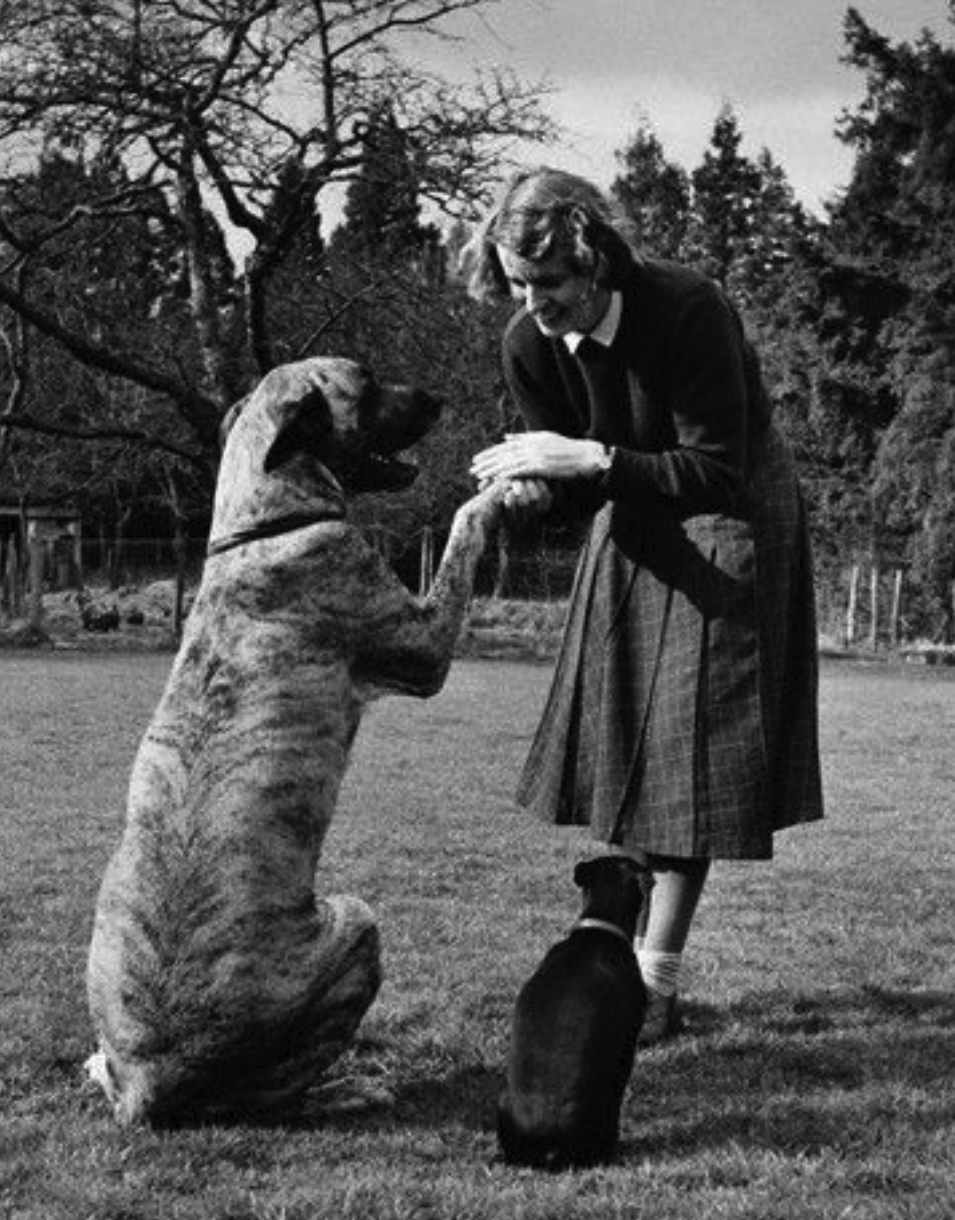
Barbara Woodhouse
Barbara Woodhouse was a pre-Internet phenom world renowned dog trainer. From her, "Walkies!" and "Sit tah!" entered the world's lexicon.
Here she is:
Sample Implementation
A sample implementation can be found here. Try this yourself first before looking at our code.